The Install Method Is the Compatibility Problem: A Four-Way Showdown for Linux Plugins
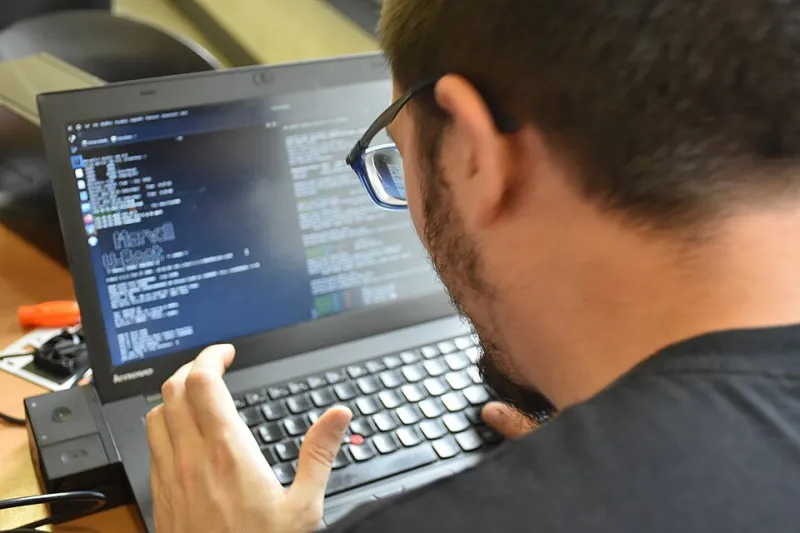
Photo: User:Kowalski7cc, CC0, via Wikimedia Commons
Most plugin compatibility conversations on Linux start in the wrong place. We argue about VST3 versus CLAP, about which vendor bothers to ship a Linux build, about whether yabridge counts as cheating. All fair debates. But there's a quieter variable sitting underneath every one of them: how the thing got installed on your box in the first place.
I've watched a plugin work flawlessly for one producer and fail to appear in the plugin browser for another, with identical distros and identical DAWs. Nine times out of ten the difference wasn't the binary. It was the packaging. So let's treat install method as what it actually is — a compatibility layer — and compare the four routes you'll run into in 2026.
The short version of why this matters
A DAW finds plugins by scanning directory paths. On a normal Linux install, those paths are predictable: ~/.vst3, ~/.lv2, ~/.clap, plus the system equivalents under /usr/lib and /usr/local/lib. If your plugin landed somewhere else, or landed inside a container the DAW can't see into, the scan returns nothing. No error dialog. No warning. The plugin is just invisible, and you spend an evening blaming the vendor.
Every install method below is really an answer to one question: where does the file end up, and who is allowed to read it?
Distro packages: the boring option that keeps winning
Repo packages — apt install, dnf install, whatever your flavor prefers — drop plugin binaries into system paths that every DAW already scans. Dependency resolution is handled. Updates arrive with everything else. For stock audio plugins like the Calf suite, LSP, or distro-packaged LV2 bundles, this is the least dramatic path and usually the right one.
The catch is version lag. Repo maintainers are volunteers, and a plugin released in October may not show up in your repos until spring. There's also a real risk of pulling in a dozen library updates you didn't ask for, which is how a working session turns into a debugging session at 11 p.m. If you go this route, know what the package is dragging along before you hit yes.
Flatpak: excellent for apps, awkward for plugins
Flatpak's sandbox is a genuine security win for browsers and chat clients. For plugins it's a structural mismatch. A plugin inside a Flatpak container lives in its own filesystem view, and a host DAW running outside that sandbox generally can't see it. Your options are running the DAW as a Flatpak too, or poking holes in the sandbox so the two can share files — at which point you've given up most of the isolation you came for.
That said, Flatpak is handy for one specific job: running a standalone plugin editor or a utility app alongside your session without letting it touch the rest of your system. Just don't expect a Flatpak'd VST3 to quietly appear in Ardour's scan. It won't, and it isn't broken — it's doing exactly what it was designed to do.
AppImage: portable, self-contained, quietly stateful
AppImage bundles the plugin and its dependencies into a single executable file. Double-click, it runs. That's genuinely appealing if you're moving between a desktop and a laptop, or if you want a specific plugin version frozen in amber for a project you'll revisit next year.
The friction shows up in the details. Some AppImages need FUSE to mount themselves; if FUSE isn't installed, the whole thing fails with an error message that reads like a riddle. The extract-and-run workaround solves it but adds a step. More importantly, AppImage files are stateful in ways people forget — a plugin that writes presets or license data relative to its own path will happily scatter config files wherever you launched it from. Keep them in one dedicated folder and treat that folder as part of the install.
Source builds: full control, full responsibility
Compiling from source gives you exactly the build you want, tuned to your CPU, linked against the libraries you chose. It's also the route most likely to produce a plugin your DAW can't load, because a source build links dynamically by default and will fail silently-ish if a library moves.
Practical guardrails: configure with -DCMAKE_INSTALL_PREFIX=/usr/local, then run sudo ldconfig and verify with ldd that every dependency resolves. If you're building a VST3 or CLAP plugin, check the install step actually copied the bundle into ~/.vst3 or ~/.clap rather than just building it in-tree. Half the source-build horror stories end with the plugin sitting perfectly compiled in a build/ directory nobody ever pointed the DAW at.
Updates: where the routes really diverge
| Method | Update path | Risk |
|---|---|---|
| Distro package | System updater | Version lag, dependency churn |
| Flatpak | Flatpak updater | Sandbox invisibility to host DAW |
| AppImage | Manual download | Forgotten duplicates, stray config |
| Source build | Rebuild + reinstall | Broken linkage after library upgrades |
Notice that three of the four can leave you running two different versions of the same plugin at once without any warning. That's not hypothetical — it's one of the most common causes of the same-preset-sounds-different complaint.
A quick decision order
- Is it in your distro repos and reasonably current? Use that.
- Is it a commercial plugin with an official Linux installer? Follow the vendor's path exactly, including their recommended directory.
- Is it distributed only as AppImage? Keep all AppImages in one folder and launch them from there.
- Is it source-only, or do you need a patched build? Compile it, but pin your library versions and note the build date somewhere you'll find it.
Flatpak goes last for plugins specifically — great technology, wrong shape for this job.
Treat packaging as part of the spec
When you audition a plugin before it touches a real session, add one line to your notes: how was this installed, and where does it live? That single habit saves hours. Because the plugin that refuses to load in six months probably didn't break. Something under it moved, and nobody wrote down where it was standing.