One Bag, No Spare Laptop: A Linux Live Rig Built for Club Nights
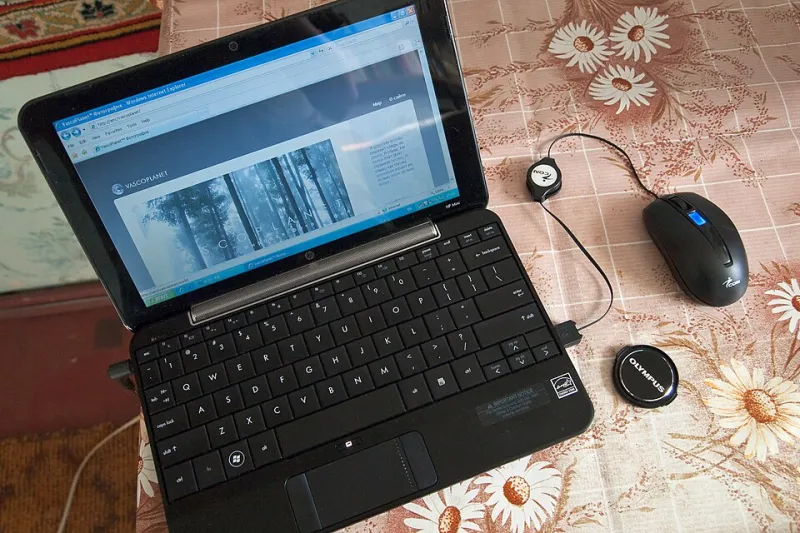
Photo: Vyacheslav Argenberg, CC BY 4.0, via Wikimedia Commons
The brief for this rig was simple and slightly stupid: everything has to fit in a carry-on, and there is no backup laptop. Not because redundancy is overrated, but because a second laptop is a second machine to keep in sync, and I've seen more sets ruined by mismatched rigs than by dead hardware.
So the redundancy lives somewhere else — in boot media, in frozen snapshots, and in a recovery plan that fits on an index card. Here's what came out the other side after a year of dates in small rooms in Chicago, Austin, and Brooklyn.
The constraint shapes everything
A 250-cap room doesn't care about your plugin folder. It cares that the set starts at 10:15 and the kick is loud. That reframes the whole build: every decision favors predictability over capability. I'd rather have eight plugins that always load than forty that mostly do.
The shortlist
Machine. A refurbished ThinkPad T480 with 32 GB of RAM and a swapped-in SSD. Boring, repairable, easy to find parts for at any repair shop in any city. A Framework 13 would be the modern choice and I'd happily take one, but the ThinkPad's ubiquity is its own form of redundancy.
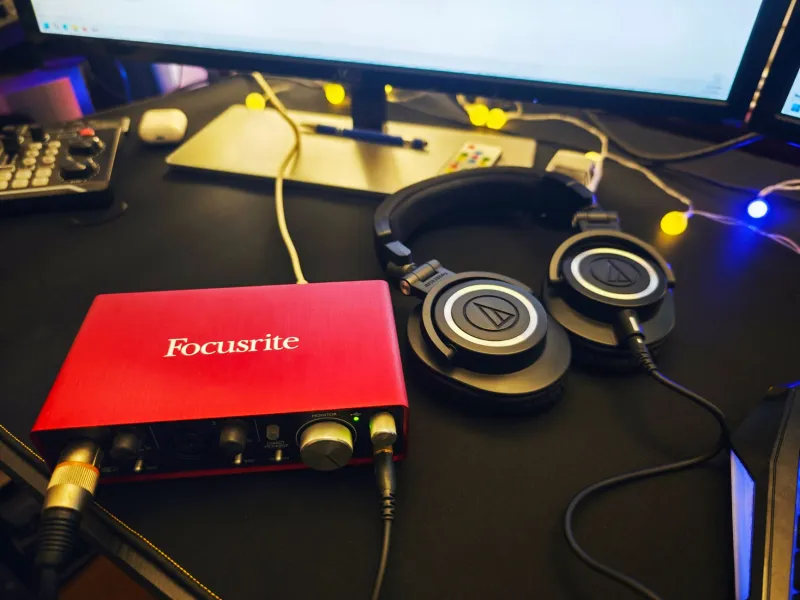
Interface. A class-compliant USB interface — MOTU M2 or a Behringer UMC202HD as the cheap spare. Class compliance is non-negotiable. If the machine boots without your vendor's driver stack, you're already ahead.
Controller. Arturia KeyStep or a Launchkey Mini. Small, USB-bus-powered, and both work without any proprietary software layer on Linux.
Power and cabling. USB-C PD battery bank, one short USB-C cable, one USB-B cable, a spare 1/4-inch to RCA pair, and a small powered hub. Cables fail more often than anything else in the bag — pack two of the one you can't replace.
The DAW and the plugin eight
Bitwig Studio is the primary; REAPER is the alternate install on the same machine, sharing nothing. Keeping two DAWs installed is not redundancy in the meaningful sense — but it does mean a corrupted project file in one doesn't end the night.
The plugin list is deliberately short and almost entirely native Linux builds:
- Surge XT for the synth work
- Vital for anything that needs to move
- Dexed for FM
- LSP and Calf for dynamics and EQ
- Dragonfly Reverb for space
- One saturation plugin I've used on every set for three years
That's it. Anything that requires yabridge stays home. Bridges are wonderful in the studio and a liability on stage, because a bridge failure at soundcheck has no fast fix.
Frozen templates, not flexible ones
Every set gets its own project template, and once the template is locked, it stops changing. No new plugin gets added after the final rehearsal. The temptation to slot in one better reverb the week before a show is the single most common way a working rig turns into a broken one.
Each template also has a fallback scene: a stripped project with a kick, a bass patch, and one pad, all on stock plugins. If the main project won't open for any reason, the fallback loads in under a minute and the set becomes a different, worse, but functional show. That scene has never been used on stage. It has been used at soundcheck twice.
Offline licensing is the hidden minefield
Commercial plugins that phone home are the biggest risk in a live Linux rig, because venue wifi is unreliable and phone tethering in a basement is worse. Before any date:
- Launch every paid plugin with networking disabled and confirm it opens without a challenge.
- Complete offline activation a week early, not the afternoon of the show.
- Note the machine ID and keep activation files in a folder that travels with you.
- For anything that requires a periodic re-check, schedule it well clear of tour dates.
If a plugin can't be trusted offline, it doesn't go in the live template. That rule has cost me exactly one plugin and saved at least one show.
Redundant boot media
Two USB sticks with a live Linux audio environment, identical, both tested. The internal drive holds the working system; the sticks exist so that any machine in the venue with a USB port can become tonight's rig in about twelve minutes. A repurposed house laptop running my session from a stick is a better outcome than a cancelled set.
That requires the session files and samples on an external drive with a fixed mount point, and the DAW configured to look there. Test the whole boot-to-sound path at home, on a different computer, at least once a quarter. This is the single highest-value hour of prep in the entire workflow.
The soundcheck checklist
Doors at 9, soundcheck at 6. In that window:
- Boot cold. Not from sleep. Note the boot time.
- Open the main project, not the fallback. Wait for full plugin load. Watch for anything scanning.
- Play every part in the set for at least four bars. Not one note — four bars, so drift and voice-stealing show up.
- Send MIDI to hardware and confirm clock lock with your eyes on the hardware, not just your ears.
- Record thirty seconds and play it back through the house system. This catches routing errors that monitoring won't.
- Pull the USB cable and reinsert it. The rig must recover without a restart.
- Check that the battery bank is charging the laptop, not the other way around.
What I'd change
Honestly? Nothing structural. The rig does the job because it's small and stubborn. The one upgrade I'd take tomorrow is a second class-compliant interface of a different brand, because the current spare is the same model and a bad firmware batch would take out both.
The lesson from all of this isn't about gear. It's that live reliability is a design decision made months earlier — in the plugin list, in the frozen template, in the offline activation you finished in October. Show night is just the audit.