Copy Once, Produce Forever: How Linux Producers Are Using Session Templates to Crush Workflow Chaos
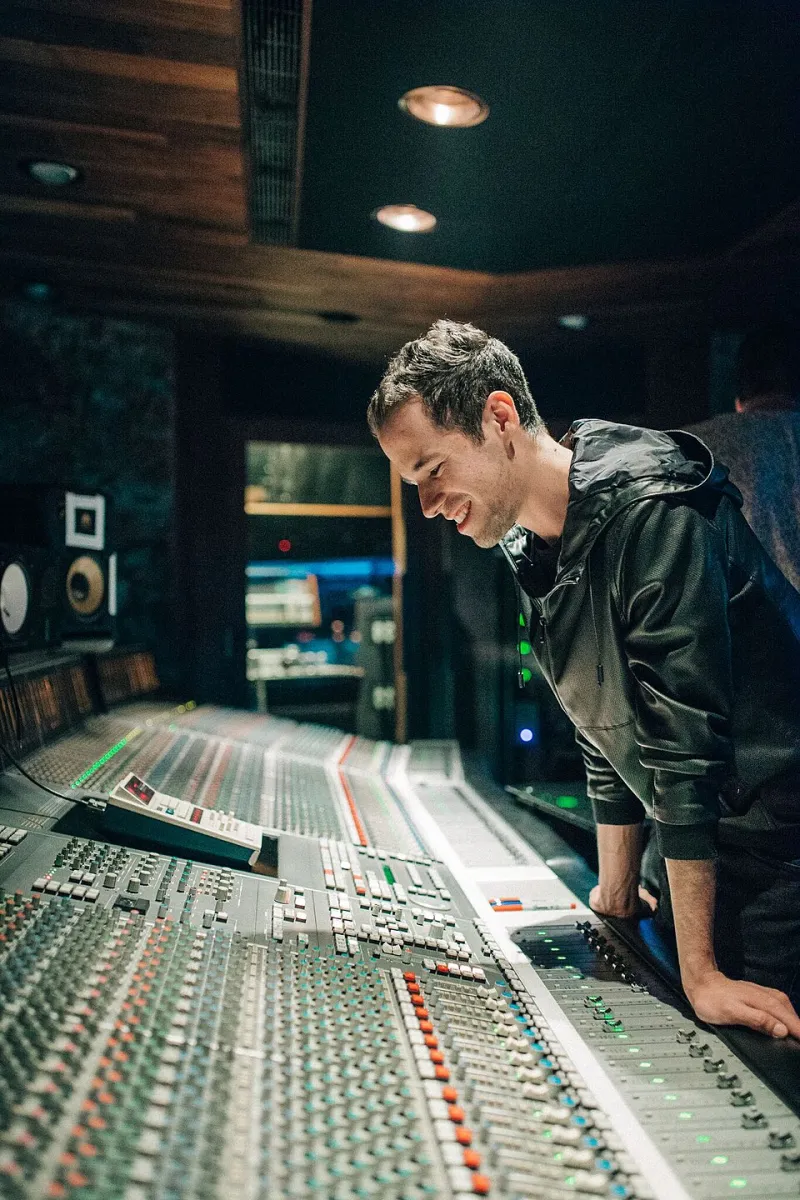
Photo: Jaimefernandez89, CC BY-SA 4.0, via Wikimedia Commons
Here's a scenario most Linux producers know too well: you sit down to start a new track, spend forty-five minutes routing plugins, setting up your monitoring chain, configuring your MIDI controller, and loading your go-to compressor on the master bus — and then you actually start making music. If that sounds familiar, you're not alone. And if you're still doing it that way, you're leaving serious time on the table.
Session templates have been a staple of professional DAW workflows forever. Logic users have had them baked in for years. Ableton's default sets are practically a religion. But in the Linux audio world, templates have quietly become something bigger than a convenience feature — they're turning into a full-blown workaround for one of the platform's most persistent headaches: fragmentation.
The Fragmentation Problem, Briefly
If you've been producing on Linux for more than a few months, you already know the landscape. You've got native LV2 plugins, CLAP support still maturing, Windows VSTs running through Yabridge or Carla, JACK routing sitting underneath everything, and a DAW — whether that's Ardour, REAPER, Bitwig, or something else — trying to hold it all together. Every time you start a fresh session, you're essentially reassembling a Frankenstein rig from scratch.
The issue isn't that Linux audio is bad. It's actually remarkable. The issue is that there's no single "just works" ecosystem the way macOS offers with its tightly controlled plugin formats and DAW integrations. Every Linux setup is, to some degree, a custom build. And custom builds don't scale well when you're trying to actually ship music.
That's where templates come in.
What a Real Linux Session Template Looks Like
A production-ready template on Linux isn't just a blank session with a few tracks pre-loaded. The producers doing this right are treating templates more like infrastructure — preconfigured environments that encode their entire signal chain philosophy.
Take a mastering-focused template in Ardour, for example. A well-built one might include a stereo bus with a mid-side EQ (something like the x42 EQ or LSP's MS variant), a limiter already set to -0.3 dBTP, a loudness meter calibrated to streaming targets, and reference track routing already configured. Load it up, drag in your mix, and you're working in under two minutes.
In REAPER, which has some of the most flexible template and project default systems of any DAW on any platform, producers are going even further. REAPER's SWS extensions let you build out full track templates with FX chains, sends, and even custom toolbar layouts. Some producers in the Linux community are keeping entire template libraries organized by genre — one for lo-fi beats (heavy on tape saturation emulation with Dragonfly Reverb for room glue), another for electronic production (tight on MIDI routing with Surge XT pre-loaded), and a third for podcast-style voiceover work.
Bitwig users have a particularly strong story here. Bitwig's modular routing and device chains mean a template can encode surprisingly complex signal architectures — and because Bitwig's file format is stable and well-documented, templates tend to survive version updates better than some alternatives.
Version Management: The Part Nobody Talks About
Here's the unglamorous truth about session templates: they break. Plugin versions update, JACK configurations change, Yabridge gets a new release, and suddenly your template is loading with missing plugins or misconfigured routing. If you've ever opened an old session and spent an hour chasing down a red "plugin not found" indicator, you know the pain.
The producers who've got this dialed in are treating their templates like code. That means version control — and yes, several Linux audio producers are literally using Git to manage their template libraries.
The workflow is simpler than it sounds. Keep your templates in a dedicated folder, initialize it as a Git repository, and commit every time you make a meaningful change. Tag releases when you update your plugin stack. If a new Yabridge version breaks something, you can roll back to a known-good state in seconds. It's the kind of discipline that feels like overkill until the one time it saves your session the night before a deadline.
Beyond Git, some producers keep a plain-text changelog alongside each template — literally a NOTES.md file that documents which plugin versions were active when the template was built, what JACK settings were in use, and any known quirks. It sounds tedious, but future-you will be grateful.
Sharing Templates Across the Community
One of the more exciting developments in the Linux audio space is the emergence of community-shared template libraries. Forums like the Linux Musicians community, various subreddits, and dedicated Discord servers have become informal repositories where producers share their setups.
This matters because building a solid template from scratch takes real time — time most producers don't have. Being able to grab a community-vetted mastering template for Ardour, adapt it to your specific plugin stack, and be up and running in an afternoon is a genuine quality-of-life improvement for anyone new to Linux audio.
The challenge is standardization. A template built around a specific set of LV2 plugins is only useful if the person downloading it has those plugins installed. The community has started developing informal conventions around this — favoring widely available, package-manager-installable plugins (LSP, x42, Calf, ZAM) as template defaults, with optional "premium" layers documented separately for things like commercial VSTs running through Yabridge.
Some producers are going further and publishing template "recipes" — not the actual DAW project files, but documented signal chain blueprints that any producer can implement regardless of their specific DAW. Think of it as a technical rider for your own studio.
Cross-DAW Compatibility: The Honest Picture
It's worth being real here: true cross-DAW template portability on Linux is still limited. An Ardour session doesn't open in REAPER. A Bitwig project isn't going to load in Mixbus. The DAW-agnostic layer of a template is really about the plugin stack and the routing philosophy, not the project file itself.
What some producers are doing is maintaining parallel templates — the same signal chain architecture implemented in two or three DAWs simultaneously. It's extra work upfront, but it means you can hand off a project to a collaborator using a different DAW without starting from zero on the plugin routing conversation.
AAF and OMF export can bridge some of this gap for audio-only exchanges, but for MIDI-heavy or heavily processed sessions, you're still largely working within DAW ecosystems. The honest answer is that standardizing on a single DAW — at least within a given project type — makes template management significantly more sustainable.
The Payoff Is Real
Producers who've committed to a template-driven workflow consistently report the same thing: the first few weeks of building and refining templates feel like overhead, and then something clicks. Sessions start faster. Mix decisions happen earlier. The mental overhead of "how do I set this up" disappears, and the creative headspace that was going toward configuration starts going toward actual music.
On Linux specifically, where every session can feel like assembling a custom rig from parts, that shift is especially meaningful. Templates don't solve the fragmentation problem — nothing short of a wholesale ecosystem change does that. But they let you work around it systematically, turning a chaotic toolchain into something that behaves, session after session, like a reliable instrument.
That's not a small thing. That's how you actually ship music on Linux.