When Plugins Die: A Practical Guide to Rebuilding Your Sound After a VST Goes Dark
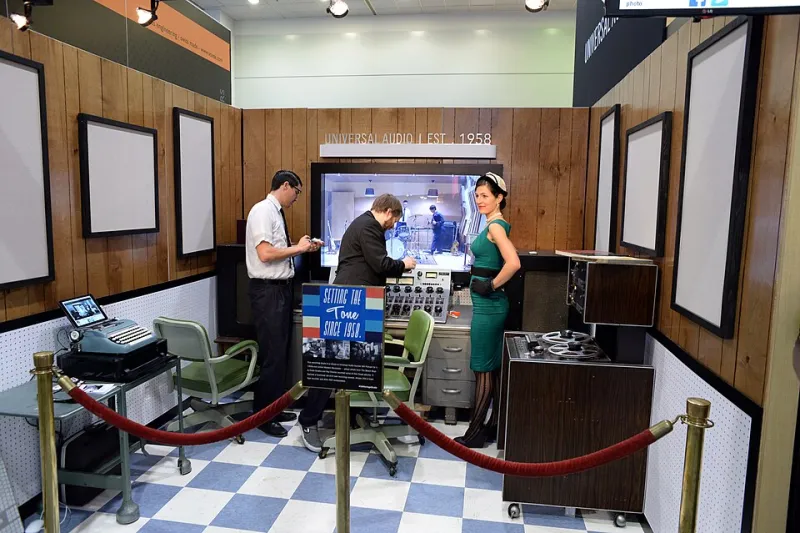
Photo: Brandon Daniel from USA, CC BY-SA 2.0, via Wikimedia Commons
Every producer eventually loses a plugin. Not to a hard drive failure or a botched update — just to time. Developers move on, companies get acquired, licensing servers go dark, and suddenly the tool that was load-bearing in your signal chain is gone. No warning, no migration path, just a missing entry in your plugin scanner.
On Linux, this hits differently. The platform already has fewer native options, which means every plugin loss carries more weight. And because Linux users often rely on older versions of Windows plugins running through compatibility layers, the window of vulnerability is wider. Here's how to approach the problem like a forensic engineer rather than a grieving fan.
Understanding Why Plugins Disappear
Plugin abandonment follows a few recognizable patterns, and knowing which one you're dealing with shapes your recovery options.
Developer burnout or small-team shutdown is the most common cause. Independent developers who built beloved freeware plugins often can't sustain the maintenance burden indefinitely. When they step back, the plugin doesn't always get open-sourced — it just quietly stops being updated until it breaks on modern systems.
Acquisition and catalog pruning happens when larger companies buy smaller developers and decide that certain legacy products don't fit their portfolio. The plugin gets delisted, support ends, and users are sometimes offered migration paths that don't cover all use cases.
Licensing server decommissioning is the cruelest version. You own a legitimate license, but the activation server is offline, which means you can't authorize the plugin on a new machine or after a reinstall. The plugin exists on your drive but is functionally inaccessible.
Platform deprecation is particularly relevant to Linux users. Some developers drop 32-bit builds, stop maintaining VST2 versions in favor of VST3, or simply never update their WINE compatibility profile. A plugin that worked fine two years ago through Yabridge may silently fail after a system update.
Document Before You Lose Access
If you're currently running a plugin that you know is aging — an unsupported freeware tool, a plugin from a developer who's gone quiet, anything running on a deprecated format — the most important thing you can do right now is document its behavior before you lose access.
This means more than saving presets. It means capturing the full signal path: input gain staging, parameter settings at multiple operating points, how the plugin responds to different source material, and — critically — audio examples that demonstrate what it actually sounds like.
Record short clips of the plugin processing a consistent reference signal (a dry snare hit, a sustained synth tone, a vocal phrase) at several different settings. These become your reference material when you're hunting for a substitute. Trying to describe "the way it saturated the low mids" in the abstract is nearly impossible; having a 15-second audio file to A/B against makes the search tractable.
Take screenshots of every parameter page. Export every preset you've built. If the plugin has a readable preset format, back up those files somewhere that isn't just your plugin folder.
The Search for Functional Equivalents
Finding a substitute for a lost plugin isn't about finding something that looks similar — it's about finding something that achieves the same function in your signal chain. This distinction matters because it opens up more options.
Start by asking: what was this plugin actually doing? If the answer is "adding harmonic saturation to drums," that's a solvable problem with a lot of available tools. If the answer is "a very specific pitch modulation character I've never heard anywhere else," that's harder but not hopeless.
Open-source equivalents should be your first stop, especially on Linux. The LSP Plugin Pack covers an enormous range of processing categories with serious engineering depth. The x42 collection is excellent for metering and dynamics. Airwindows — Chris Johnson's ongoing one-developer plugin marathon — has produced hundreds of free tools, some of which are genuinely unique in character.
Community archaeology is underrated. Plugin forums, Reddit communities like r/edmproduction and r/audioengineering, and dedicated Discord servers often have threads where producers have already done the comparison work. Searching for "[plugin name] alternative" in these communities frequently surfaces recommendations from people who've been through exactly your situation.
Producer and sound designer Keisha M., based in Nashville, spent three months rebuilding her vocal chain after a key harmonic exciter plugin was delisted following an acquisition. "The forum threads were the most useful thing," she said. "Someone had already done a shootout between five alternatives. I didn't have to start from zero."
Legal Gray Areas and What They Actually Mean
This is where things get complicated. If you still have an old installer for a plugin you legitimately purchased and the developer no longer exists, using that installer to maintain your own working copy occupies a legal gray area that varies by jurisdiction and by the specific license terms you agreed to.
In general, courts in the US have been skeptical of license terms that prevent all use after a company shuts down, but this hasn't been tested comprehensively in the context of audio software. The practical reality is that most producers in this situation quietly maintain their old installs without incident.
What's clearly off-limits is distributing those installers to others or treating the situation as permission to acquire cracked versions of plugins you never owned. The gray area is narrow and personal.
Emulation is a different matter. Several open-source projects have built from-scratch implementations of classic hardware that specific plugins were modeling — and in some cases, these emulations are more accurate than the original commercial plugin. This is entirely legitimate and often produces better results.
Building a More Resilient Plugin Chain
The producers who handle plugin loss best aren't the ones with the largest collections — they're the ones whose signal chains aren't brittle. That means preferring plugins with active development and community support, keeping native Linux plugins as the backbone of your setup (they're less vulnerable to compatibility drift), and avoiding single points of failure where one plugin is doing something nothing else can do.
It also means staying curious about the open-source ecosystem. The more you understand what's available natively on Linux, the smaller the gap feels when something commercial disappears.
Tyler W., an electronic producer in Austin who's been on Linux exclusively for four years, put it well: "I used to panic when a plugin went away. Now I see it as a forced upgrade. Every time I've had to find a replacement, I've ended up understanding my signal chain better than I did before."
That's not a silver lining — it's a skill. And it's one that Linux producers, who've been navigating plugin scarcity longer than most, are particularly well-positioned to develop.